Best UTP Cable Types for Home Networking and Which to Choose?
In today's digital age, having a reliable home network is crucial. The choice of cables can significantly impact performance. Among these options, UTP cable stands out for its efficiency and cost-effectiveness. A report from the Telecommunications Industry Association states that UTP cables account for over 60% of all networking cable deployments in residential settings.
Expert John Smith, a leading figure in the cabling industry, emphasizes the importance of correct cable selection. He once said, "Choosing the right UTP cable can optimize your network for speed and reliability." With varying types available, understanding their differences can be overwhelming. Cat5, Cat5e, Cat6, and Cat6a each have specific advantages and drawbacks.
Choosing the wrong UTP cable might lead to connectivity issues. This could affect online gaming, video streaming, and remote work. While it may seem easier to opt for the cheapest option, investing in quality cables can yield better long-term results. A thoughtful selection process is essential for creating a robust home network.
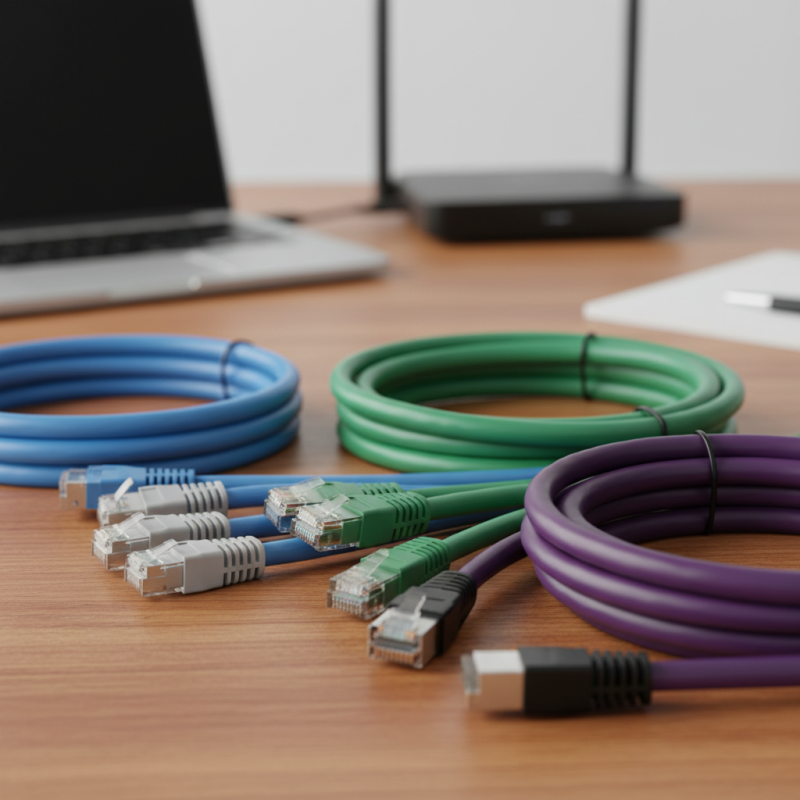
Understanding UTP Cable Types: An Overview of Categories and Features
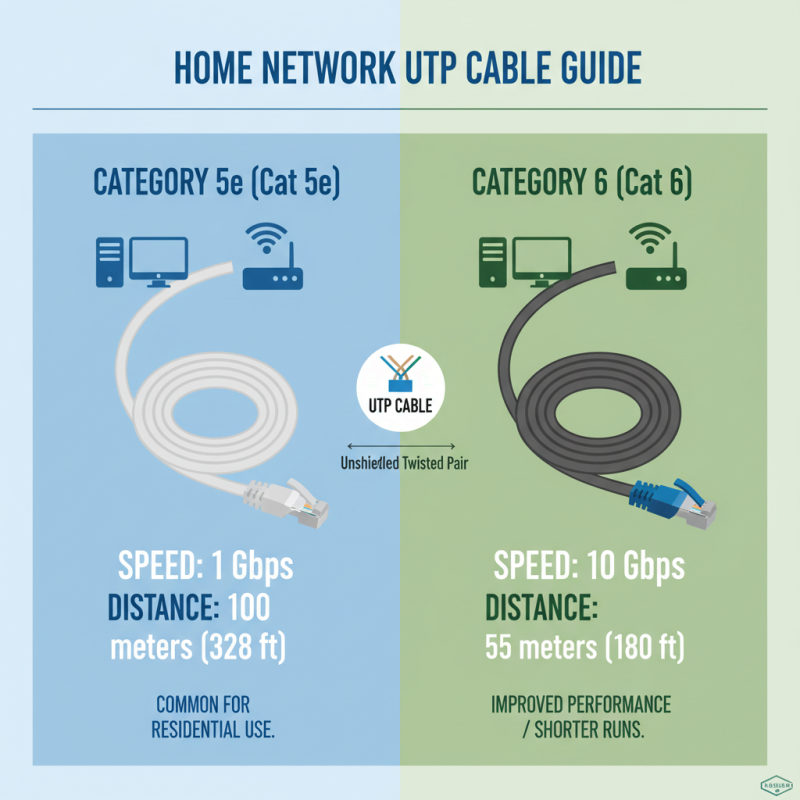
When setting up a home network, choosing the right UTP cable type is essential. UTP stands for Unshielded Twisted Pair, a popular cable choice due to its efficiency and flexibility. There are several categories of UTP cables, each catering to different networking needs. For example, Category 5e (Cat 5e) supports speeds up to 1 Gbps over distances of 100 meters. This is widely used in residential setups. On the other hand, Category 6 (Cat 6) offers improved performance, handling up to 10 Gbps but only for shorter distances—up to 55 meters.
It's worth noting that Category 6a (Cat 6a) is an enhanced version, extending capabilities to 10 Gbps over the full 100 meters. However, these cables are bulkier and less flexible. A recent industry report indicated that over 70% of home networks still use Cat 5e due to its cost-effectiveness. While this suffices for many users, those with high-bandwidth needs may find this limitation problematic. As technology evolves, networks increasingly demand higher speeds, so assessing these options keenly is crucial for future-proofing your home setup.
Key Differences Among UTP Cable Categories: From Cat5e to Cat8
When it comes to home networking, choosing the right UTP (Unshielded Twisted Pair) cable is crucial. Each category offers different speeds and capabilities. The most common types are Cat5e, Cat6, Cat6a, Cat7, and Cat8. For instance, Cat5e supports speeds up to 1 Gbps and is suitable for basic internet tasks. It’s affordable and often used in homes.
On the other hand, Cat6 provides better performance, handling speeds up to 10 Gbps over shorter distances. According to industry reports, Cat6 can reduce crosstalk, enhancing overall reliability. Cat6a further increases bandwidth, reaching up to 500 MHz. Users often overlook these distinctions, assuming all cables perform the same. This assumption can lead to underperformance, especially in gaming or streaming scenarios.
For advanced networking needs, Cat7 and Cat8 come into play. Cat7 supports speeds up to 10 Gbps with better noise resistance. Cat8, the latest, can handle 25-40 Gbps. However, Cat8 often exceeds what most home networks require. Installing it may feel unnecessary. Reviewing your actual needs is vital before investing. Not all situations demand the highest specifications, and often, simpler cables suffice. Users should assess their specific demands carefully.
Performance Specifications: Bandwidth and Data Rates of Each UTP Category
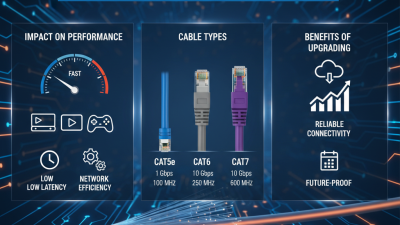
When setting up a home network, choosing the right UTP cable type is crucial. Categories of UTP cables have varying bandwidths and data rates. For instance, Category 5e (Cat 5e) supports up to 1 Gbps with a bandwidth of 100 MHz. It’s a solid choice for most home users. However, as demands increase, higher categories become necessary.
Category 6 (Cat 6) can handle up to 10 Gbps data rates and offers a bandwidth of 250 MHz. This makes it suitable for high-definition streaming and online gaming. For even better performance, Category 6a (Cat 6a) provides 10 Gbps speeds over longer distances with a bandwidth of 500 MHz. It may be more expensive, but it’s often worth the investment.
Tip: When considering which cable to select, assess your internet usage and future needs. Choosing a higher category cable can save you from future upgrades. Remember that poor installation can negate performance gains. Invest in quality connectors and ensure proper termination. A small oversight may lead to significant issues down the line.
UTP Cable Performance Specifications
Choosing the Right UTP Cable for Home Networking: Factors to Consider
When selecting the right UTP cable for home networking, several factors come into play. One important aspect is the category of the cable. UTP cables come in various categories, such as Cat5e, Cat6, and Cat6a. Each category supports different speeds and bandwidths. For most home users, Cat5e is adequate. However, if you stream videos or play online games, consider using Cat6.
Another factor is the distance. UTP cables can transmit data effectively up to 100 meters. Beyond this range, signal degradation can occur. If your setup needs to cover larger areas, you might consider using signal boosters or switches. Additionally, cable quality matters. A poorly constructed cable can lead to slower speeds and frequent disconnections. Be cautious about cheaper options; they might not deliver the performance you expect.
Lastly, think about future needs. Choosing a cable that meets today’s demands is essential, but consider if you'll upgrade your devices soon. You don’t want to replace cables frequently. Balancing current needs with future-proofing can be a tricky endeavor. By carefully evaluating your situation, you can find a UTP cable that will serve your home networking needs effectively.
Future-Proofing Your Home Network: Emerging UTP Technologies and Trends
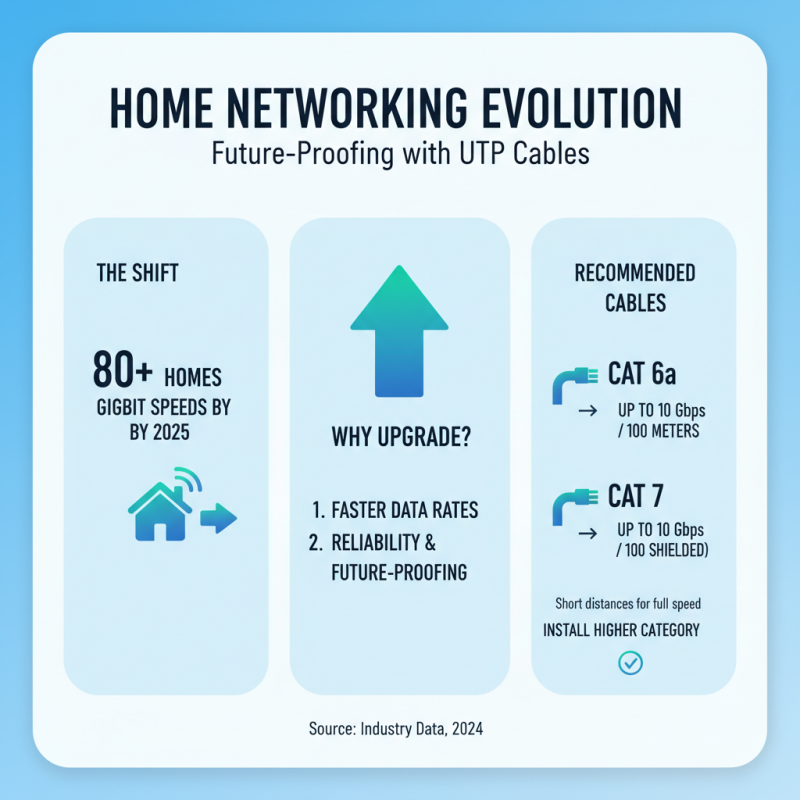
As home networking needs evolve, new UTP (Unshielded Twisted Pair) technologies are emerging. Current data indicates that over 80% of homes will rely on gigabit speeds by 2025. This shift makes choosing the right UTP cable crucial for future-proofing. Installing higher category cables, such as Cat 6a or Cat 7, can support faster data rates—up to 10 Gbps over shorter distances.
Tip: When planning your network, consider your current and future bandwidth needs. Investing in higher category cables can save you from constant upgrades.
Emerging trends show a push towards UTP cables that accommodate PoE (Power over Ethernet), which can power devices like cameras and access points. This technology simplifies installations, reducing the need for extra wiring. Yet, be aware that older cable types may not support these features effectively.
Tip: Evaluate your device ecosystem. Choose UTP cables that ensure compatibility with PoE and other technologies. Make sure to research installation practices, as improper setups may lead to performance issues.