What is Cat 6 Bulk Cable and Why You Need It for Your Network Setup
In today's increasingly digital world, the backbone of any reliable network setup is the quality of its cabling. Among the various options available, Cat 6 bulk cable has emerged as a popular choice for both residential and commercial applications. This advanced cabling solution offers superior performance for high-speed data transmission, making it essential for meeting the demands of modern internet usage. Whether you're streaming high-definition media, engaging in online gaming, or operating a complex business network, utilizing Cat 6 bulk cable can significantly enhance your network's efficiency and reliability.
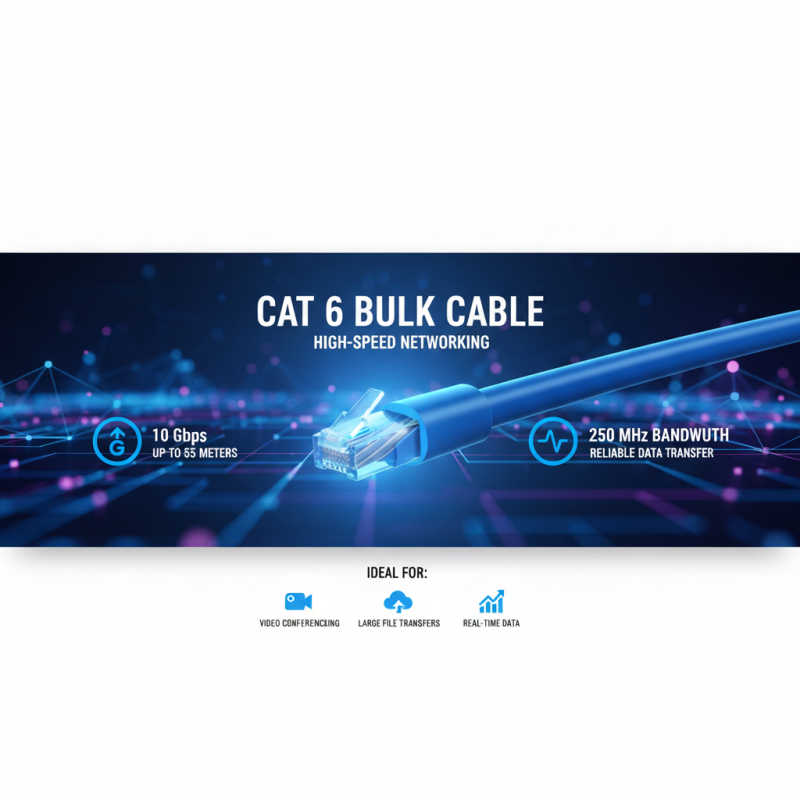
Cat 6 bulk cable is designed to support bandwidths of up to 250 MHz, facilitating faster data transfer rates and improved signal clarity compared to earlier standards. With its robust design and capacity to handle multiple data streams simultaneously, it proves invaluable for environments where network traffic is high. Moreover, its flexibility allows for customized installations, making it an ideal choice for personalized network setups. As we delve deeper into the subject, we will explore the features, benefits, and reasons why integrating Cat 6 bulk cable into your network is not just a wise investment but a necessary step towards future-proofing your connectivity solutions.

What is Cat 6 Bulk Cable and Its Key Specifications
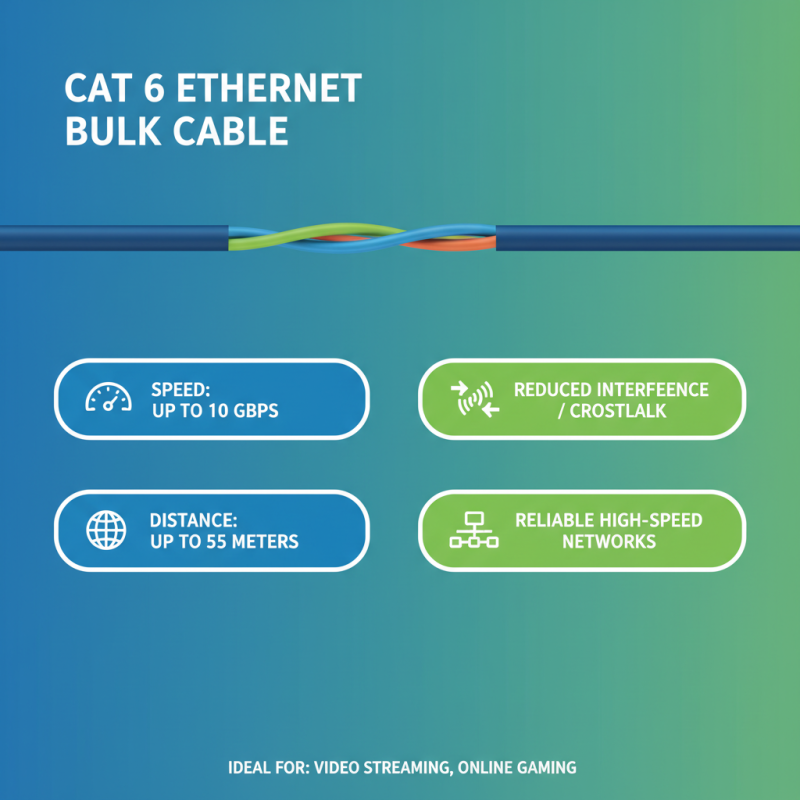
Cat 6 bulk cable is a type of Ethernet cable that is essential for establishing high-speed internet connections in both residential and commercial networks. This cable is designed to support data transfer rates of up to 10 Gbps over distances of up to 55 meters, making it ideal for applications that demand high bandwidth, such as video streaming and online gaming. Cat 6 cables utilize advanced shielding techniques, which minimize crosstalk and interference compared to their predecessors, ensuring a reliable and stable connection.
In terms of key specifications, Cat 6 bulk cables typically feature a thicker gauge wire and enhanced insulation, which contribute to better overall performance. The standard for Cat 6 cables also includes a specified transmission frequency of 250 MHz, allowing for greater data throughput. Additionally, many Cat 6 cables are constructed with solid copper conductors that provide superior electrical performance and durability. When planning a network setup, choosing Cat 6 bulk cable is a smart decision for future-proofing your infrastructure, ensuring that it can accommodate more extensive data requirements as technology evolves.
Advantages of Using Cat 6 Bulk Cable for High-Speed Networking
Cat 6 bulk cable is rapidly becoming the go-to choice for high-speed networking scenarios. With the ability to support data rates up to 10 Gbps over distances of 55 meters, it significantly outperforms its predecessors. According to the TIA (Telecommunications Industry Association), Cat 6 cables can handle bandwidths of up to 250 MHz, making them suitable for environments where high data transfer rates are essential. This capability is particularly beneficial for businesses that rely on real-time data processing, such as video conferencing and large file transfers.
One of the key advantages of using Cat 6 bulk cable is its enhanced resistance to crosstalk, a common issue that affects network performance. The shielding and tighter twists used in Cat 6 cables minimize electromagnetic interference, thus ensuring a more reliable signal. This becomes particularly important in office environments where multiple devices operate simultaneously. A report by the IEEE indicates that using high-quality cabling can lead to a 25% increase in network efficiency, demonstrating that investing in Cat 6 bulk cables not only improves speed but also fosters overall productivity within organizational setups. Moreover, the cost-effectiveness of purchasing bulk cable allows for custom lengths and easier installation, making it a practical choice for both new installations and upgrades.
Comparing Cat 6 with Other Ethernet Cables: Performance and Cost
When it comes to choosing an Ethernet cable for network setups, understanding the differences between Cat 6 and other options, such as Cat 5e and Cat 7, is crucial. Cat 6 cables support data transmission rates of up to 10 Gbps over distances of 55 meters, making them ideal for high-speed networking in both residential and commercial environments. In contrast, Cat 5e cables typically support speeds up to 1 Gbps, which may be sufficient for basic browsing and streaming but falls short for data-intensive applications. Moreover, Cat 5e has a maximum bandwidth of 100 MHz, while Cat 6 can handle up to 250 MHz, significantly enhancing its capacity for heavy network loads.
The costs of these cables also reflect their performance capabilities. According to the Telecommunications Industry Association (TIA), the price per foot for Cat 6 cables is generally higher than that of Cat 5e due to their superior materials and performance specs. While a Cat 5e cable might cost approximately $0.10 to $0.20 per foot, Cat 6 cables often range from $0.20 to $0.40 per foot. However, the investment in Cat 6 can offer better long-term value, particularly in environments where future-proofing is essential. With technology continuously evolving and the demand for bandwidth increasing, opting for Cat 6 can ensure that your network remains robust and efficient for years to come.
What is Cat 6 Bulk Cable and Why You Need It for Your Network Setup - Comparing Cat 6 with Other Ethernet Cables: Performance and Cost
| Cable Type |
Max Speed (Mbps) |
Max Distance (Meters) |
Cost per Meter (USD) |
Use Case |
| Cat 5e |
1000 |
100 |
0.20 |
Basic Internet Usage |
| Cat 6 |
10000 |
55 |
0.30 |
Gaming, HD Streaming |
| Cat 6a |
10000 |
100 |
0.50 |
Data Centers, Server Rooms |
| Cat 7 |
10000 |
100 |
0.80 |
Professional Multimedia |
Installation Tips for Cat 6 Bulk Cable in Home and Office Networks
When installing Cat 6 bulk cable for home or office networks, several key considerations can help ensure a successful setup. First, planning the layout is crucial. Before cutting any cable, measure the distances between your network devices and determine the optimal path for running the cable. This helps minimize the need for connectors and joints, which can degrade signal quality. Additionally, ensure the chosen cable length adheres to the maximum distance specifications, typically up to 100 meters, to maintain performance across your network.
Another vital aspect of installation is managing cable organization during and after the process. Utilize cable ties or clips to secure the cable along walls and avoid physical damage. It's also important to maintain proper bending radius during installation; excessively tight bends can impair performance. Furthermore, avoid running the cable parallel to electrical wiring to prevent interference. Lastly, label both ends of the cable for easy identification once the installation is complete, streamlining future troubleshooting or expansion efforts. By following these tips, you can set up a reliable and efficient network with Cat 6 bulk cable.
Cat 6 Bulk Cable Performance Comparison
This bar chart illustrates key specifications of Cat 6 bulk cable, highlighting its bandwidth, maximum distance, connector type, and maximum data rate. Understanding these specifications can help you determine the suitability of Cat 6 for your home or office network setup.
Future-Proofing Your Network: Why Cat 6 Bulk Cable Matters Today
Investing in Cat 6 bulk cable is a smart move for anyone looking to future-proof their network setup. As technology continues to evolve, the demand for faster speeds and greater bandwidth only increases. Cat 6 cable supports data rates up to 10 Gbps at shorter distances, making it an ideal choice for both residential and commercial environments. By installing Cat 6 now, you ensure that your network can handle not only today’s needs but also tomorrow’s technological advancements.
When selecting Cat 6 bulk cable, consider your specific networking needs. For optimal performance, it’s important to ensure that the cable run distance does not exceed 100 meters, as this is the maximum length for maintaining high speeds. Additionally, investing in shielded cables can help minimize interference and improve signal quality, especially in environments with many electronic devices.
Tip: Always purchase a little extra bulk cable to account for any future modifications or expansions in your layout. This foresight can save you time and money in the long run. Another tip is to label your cables clearly; this practice helps streamline troubleshooting and maintenance, ensuring that your network operates efficiently and remains organized.